Changing Material Based On
Distance in Blender By Neil Blevins Created On: July 13th 2026 Updated On: July 13th 2026 Software: Blender
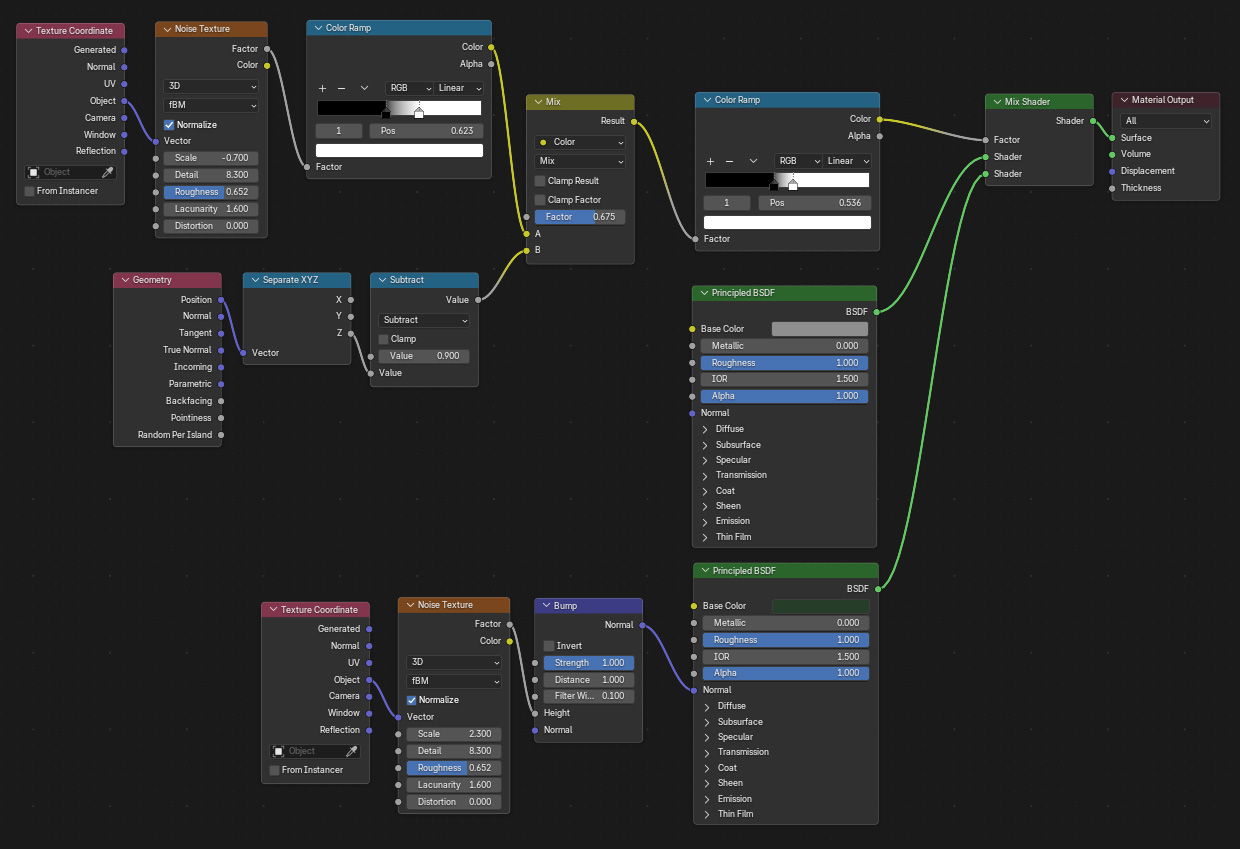
This tutorial discusses a technique that is frequently called a
Distance Texture. It creates a black and white gradient that can then
be used to mix between multiple colors, patterns or materials based on
a distance, frequently used to change the color of a surface based on
camera distance, or the height of a mountain scape. I've seen many
different ways that distance has been implemented in different pieces
of software. Sometimes you define a starting point, an end point, and
then you get a smooth gradient in between. Sometimes you define a
position in 3d space, one side gets one value, the other side gets a
different value, and a smooth transition at the edge. Regardless of how
it's implemented, it can be a really useful technique to add to your
bag of tricks.