Choosing Software For Your Own
Personal Art Pipeline By Neil Blevins Created On: May 28th 2015 Updated On: June 8th 2026
Software: Any Back in the 90s and early 2000s, there were plenty of
all-in-one 3d
packages, 3dsmax, maya, softimage, lightwave, etc, and you could
potentially do a
lot of your work in a single piece of software. But these days, most
pipelines rely on a whole collection of different pieces of software to
get work done, everyone from a large vfx studio all the way to a single
artist making concept art. The advantage of this de-centralizing of
software is smaller software companies can specialize in making the
very best software that does X, rather than a big software company
producing something that's decent at everything but awesome in none.
The disadvantage is now you need to transfer your work between all
these different pieces of software, which causes headaches in terms of
incompatible features, data loss, and manual labor.
I've done a lot of reflecting on my personal art process, have split
it up into a number of tasks, and then matches those tasks with a
specific piece of software. And these choices have also changed over
time. This discussion goes over how I've split my workflow, which
software I used to use for it (2015), and how that's changed over time
(2025), and why. By discussing this, I hope to inspire you to make good
choices for your own specific needs.
Breaking Your Workflow Into Tasks
First off, what I do. I am primarily a concept artist and art director
who combines 3d,
photos and hand painting. I also make 3d assets for games and film. So
I
need a versatile art workflow that can handle both 2d and 3d.
Here's a list of the different tasks I need to do as part of my art
workflows:
3D General
3D Modeling
3D Sculpting
3D UV
2D Pattern Generation
3D Shading
3D Detail Paint
3D Render
2D Paint
2D Comp
2D Image Viewing
Software in 2015
With this task list, I then match up each task with a piece of software:
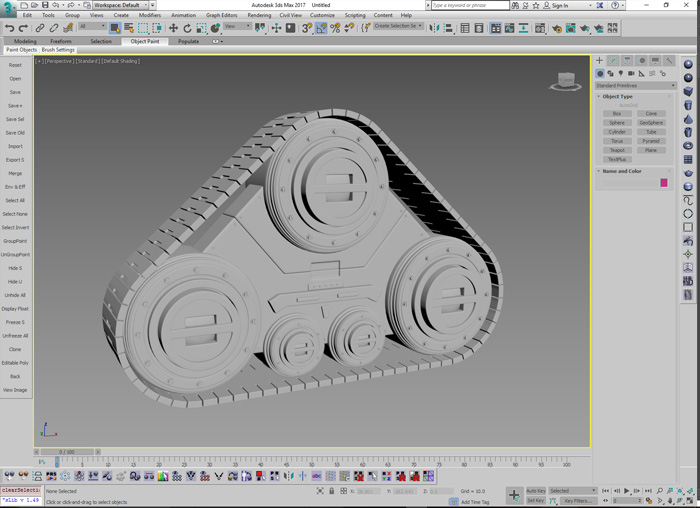
3D General -> 3dsmax
3D Modeling -> 3dsmax
3D Sculpting -> Medium
3D UV -> 3dsmax
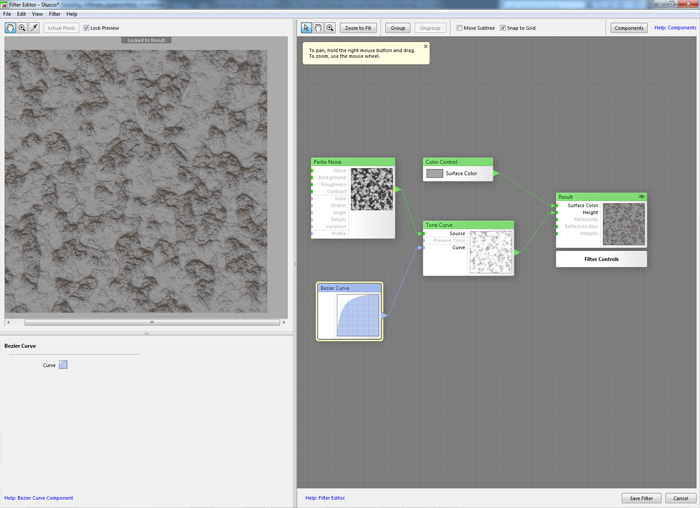
2D Pattern Generation ->
Filterforge
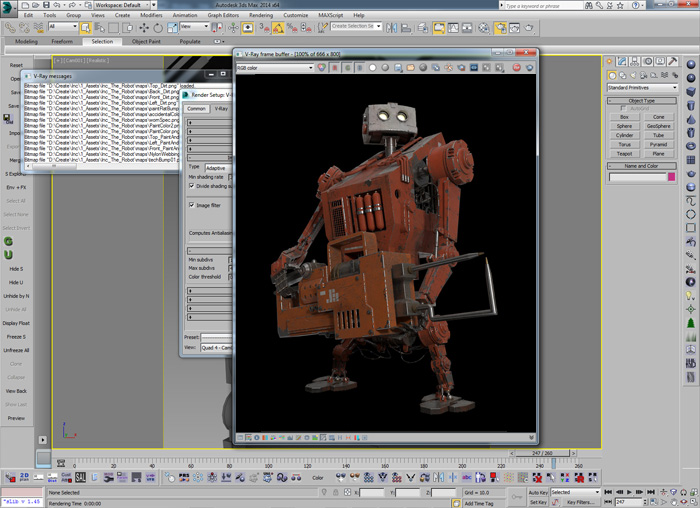
3D Shading -> 3dsmax / vray
3D Detail Paint -> 3dsmax /
Photoshop
3D Render -> 3dsmax / vray
2D Paint -> Photoshop
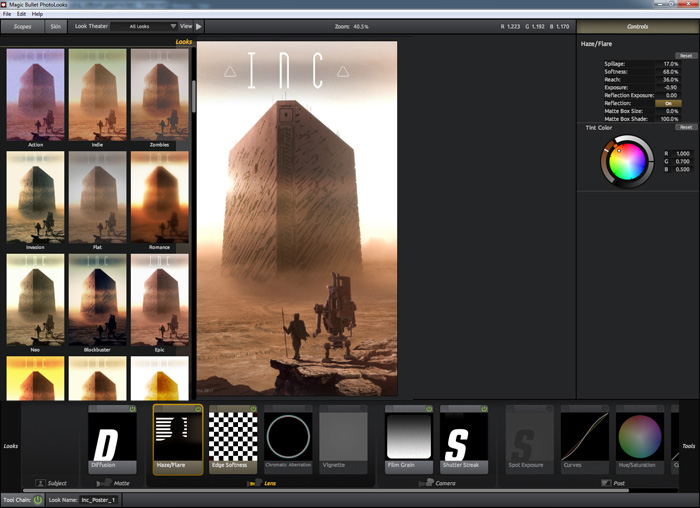
2D Comp -> Magic Bullet Looks
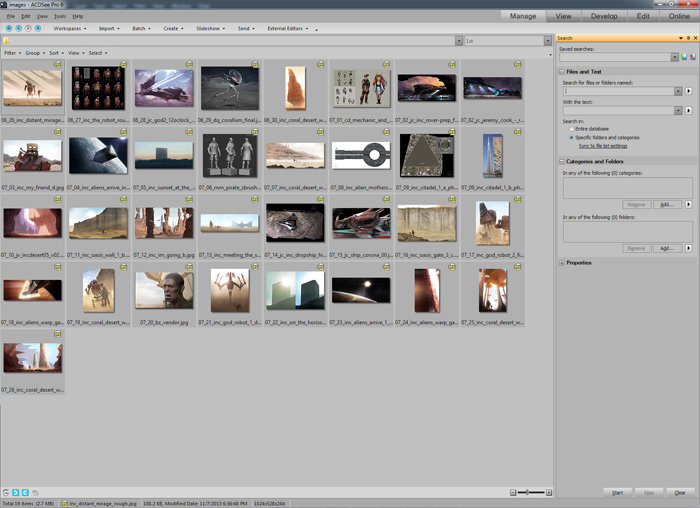
2D Image Viewing -> ACDSee
Here's a little more info on my choices. Remember, there is no right or
wrong, these are my choices and they're liable to be very different
from your own:
1) 3D General -> 3dsmax
I started using 3dstudio DOS R2 back in the early 90s. So I used 3dsmax
partly out of habit, and partly because I felt it's a good middle
ground between a purely procedural program and a fast program that just
gets the job done.
2) 3D Modeling -> 3dsmax
I did all my hard surface modeling in 3dsmax, I'm super addicted to the
modifier stack and would only switch for another app that has a similar
feature.
3) 3D Sculpting -> Medium
I was a big mudbox user, but switched to medium because sculpting in VR
felt so much like traditional sculpting.
4) 3D UV -> 3dsmax
While I prefer to use uvless techniques, when I need to UV stuff, I
used
3dsmax's unwrapping tools.
5) 2D Pattern Generation -> Filterforge
Filterforge is a great place for creating procedural patterns. I like
darktree too, but darktree hasn't seen an update in a since the late
2000s, so when
it comes to an application with a future, Filterforge seems like the
best choice.
6) 3D Shading -> 3dsmax / vray
I did all my shading and rendering in the Brazil Renderer years ago,
but when it got discontinued, I switched over to vray since I found it
had a pretty similar system. And it has a pretty big market share,
which means it has a lot of development money going into it, and its
not likely to get discontinued like Brazil did.
7) 3D Detail Paint -> 3dsmax / Photoshop
I don't do a lot of painting on organic models, so my pipeline for 3d
paint is mostly for hard surface models, and I used a combination of
projections in 3dsmax, and then painted the stuff to be projected
using photoshop.
8) 3D Render -> 3dsmax / vray
I used vray in 3dsmax for my lighting, camera work and rendering.
9) 2D Paint -> Photoshop
While there's better software out there for hand painting, Photoshop
has that great balance of both hand painting and image manipulation in
the same program.
10) 2D Comp -> Magic Bullet Looks
Since Photoshop doesn't have much in the way of non-destructive
filters, I need a compositor as well. While something like Nuke would
be more full featured, its overkill for what I need to do (vignettes,
chromatic aberration, post blur, etc) so I've found the simple to use
Magic Bullet Looks by Red Giant is the perfect balance for me.
11) 2D Image Viewing -> ACDSee
There's a lot of image viewers out there, but ACDSee is one of the
originals for windows, and I use it mostly out of habit because it has
everything I need.
Software in 2025
Here we are 10 years later, and my task list is pretty much the same,
but my software choices have changed a bit:
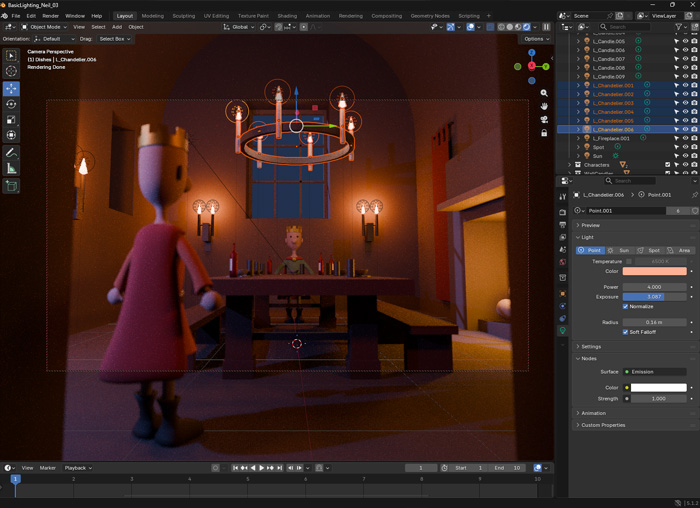
3D General -> Blender
3D Modeling -> Blender
3D Sculpting -> Blender
3D UV -> Blender
2D Pattern Generation ->
Filterforge
3D Shading -> Blender
3D Detail Paint -> Blender
/
Photoshop / Affinity
3D Render -> Blender
2D Paint -> Photoshop / Affinity / Procreate
2D Comp -> Magic Bullet Looks
2D Image Viewing -> ACDSee
Here's a few notes on the changes...
1) 3dsmax replaced with Blender. While I still use my older perpetual
license of 3dsmax 2022 for a few tasks here and there, I've primarily
moved over to Blender. The main reason is I do not like subscription
only software, and Autodesk went subscription only several years ago.
To learn more on why I do not like subscription software, check my
essay Why
Rental Only Software (The Subscription Model) Is A Bad Thing.
Overall Blender has done a great job as part of my workflow. Like
3dsmax, it has a modifier stack (which for my workflow is a must for
modeling), it also comes bundled with decent raytrace renderer (Cycles)
which allowed me to transition off of vray (another piece of software
that's gone subscription). I've managed to recreate many of my favorite
materials from max/vray inside of blender. And I hope to have the
chance in the coming years to write a few tools for blender to replace
the features I still miss from max.
2) Medium, I no longer use medium for sculpting as it's also now been
bought by Adobe, which is subscription only. I don't do a ton of
sculpting, so the tools inside Blender work fine for my needs.
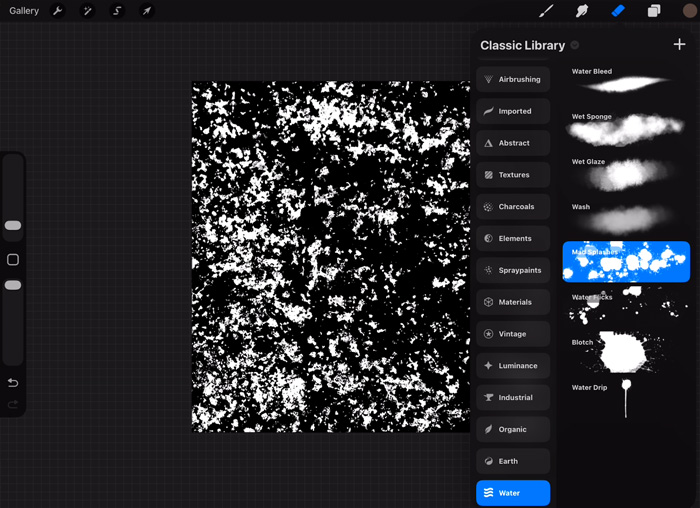
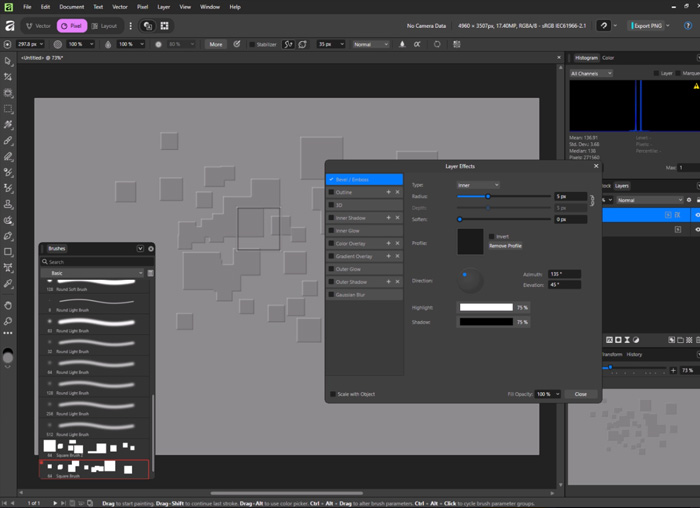
3) Photoshop, I continue to use my old copy of Photoshop CS6, but I am
slowly moving myself to Affinity and Procreate. Procreate is great for
anything that can be rough or stylized, like quick painterly concept
paintings. And Affinity is almost as full featured as photoshop, except
it's free, with no subscription necessary.
So in short, 3dsmax > Blender, Vray > Cycles in Blender, Medium
> Blender, Photoshop > Affinity / Procreate. Otherwise my general
workflow is the same.
Things To Consider
Some people like changing software often, sometimes on an image by
image basis. This is fine, but for myself I like having a bit more of a
standard pipeline as my tried and true fallback, and I'll add extra
software here or there if I want to try something out. But as you can
see, I do make switches now and again, and it will be interesting to
see what has changed in another 10 years (2035).
When switching default software, you need to ask yourself is it worth
switching? What features do you use all the time, and what are you
willing
to give up to get new features that your current software doesn't have.
It's a constant evaluation. IMO, it's best
never to become too dependent on one piece of software because...
the software industry changes fast, new features are added all
the time and new software is constantly coming out
software gets discontinued all the time, or goes subscription
only (I
only use software for which I can get a perpetual license)
it's important to be able to switch quickly depending on your
needs, what's available, and if you're working at companies, what their
pipeline is built around
Anyways, hope you found this peak into my own personal pipeline
interesting. And I hope it gives you the incentive to take a look at
your own personal pipeline. As an exercise sometime, try and write down
the main tasks you perform, and what software you tend to use the most
for these tasks. Then consider some alternatives. It may help you find
something you hadn't considered and open you up to new possibilities.